 Exploit
Local file conversion on Mac with a single drag-and-drop
macOS users now have a convenient tool for local file conversion without uploading data to third-party servers.
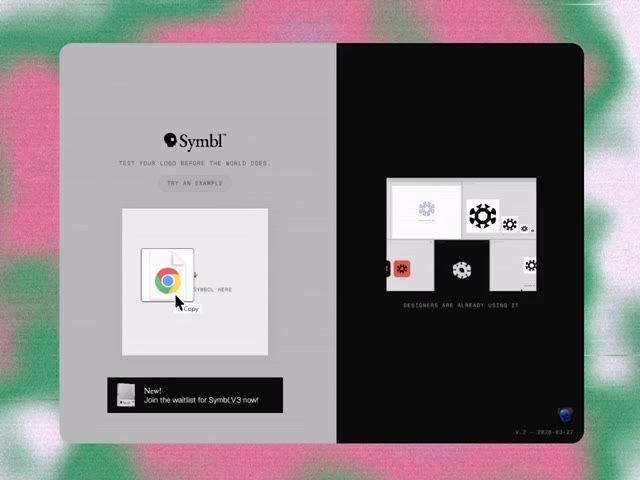
The tool allows quick format conversion using a simple drag-and-drop mechanism. Users just need to grab a file, hold the Shift key, and drop it onto the desired format in the popup menu.
The app supports a wide range of media and document processing tasks:
- Convert images from HEIC to JPG
- Extract audio tracks from video files
- Convert PDF documents to Word format
- Compress, crop, and merge files via the Command key
All operations are performed locally on the device, ensuring data privacy and high processing speed.
122.1K views