 Open Source
web-shot: creating full-size screenshots by removing duplicates
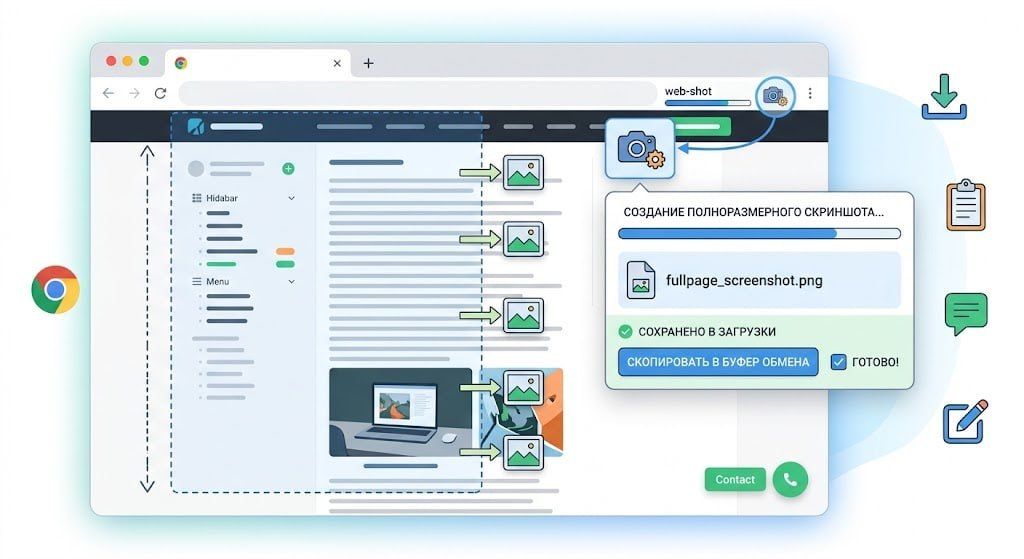
The web-shot extension for Google Chrome is designed to create full-page screenshots of web pages. The tool automatically scrolls through the page, combines individual frames into a single PNG file, and saves it to the Downloads folder.
The screenshot is also copied to the clipboard, allowing you to immediately paste it into a messenger or editor. This simplifies the content saving process without requiring any additional actions from the user.
A distinctive feature of the extension is its correct handling of fixed page elements. It displays headers, floating banners, and sticky blocks only once in their respective locations, eliminating interface duplication on the final image.
- Automatic scrolling and frame stitching into PNG
- Result copying to the clipboard
- Smart removal of duplicate UI elements
- Developed in JavaScript
The project source code is available on GitHub at https://github.com/HelpFreedom/web-shot. The extension is written in JavaScript, ensuring compatibility with modern versions of the Google Chrome browser.
5.2K views