 in IT and out (v IT
Anxiety Test on iPhone: Step-by-Step Guide
The built-in mental health assessment tool is available on the iPhone. This feature allows you to quickly check your anxiety levels and determine whether professional help is needed.
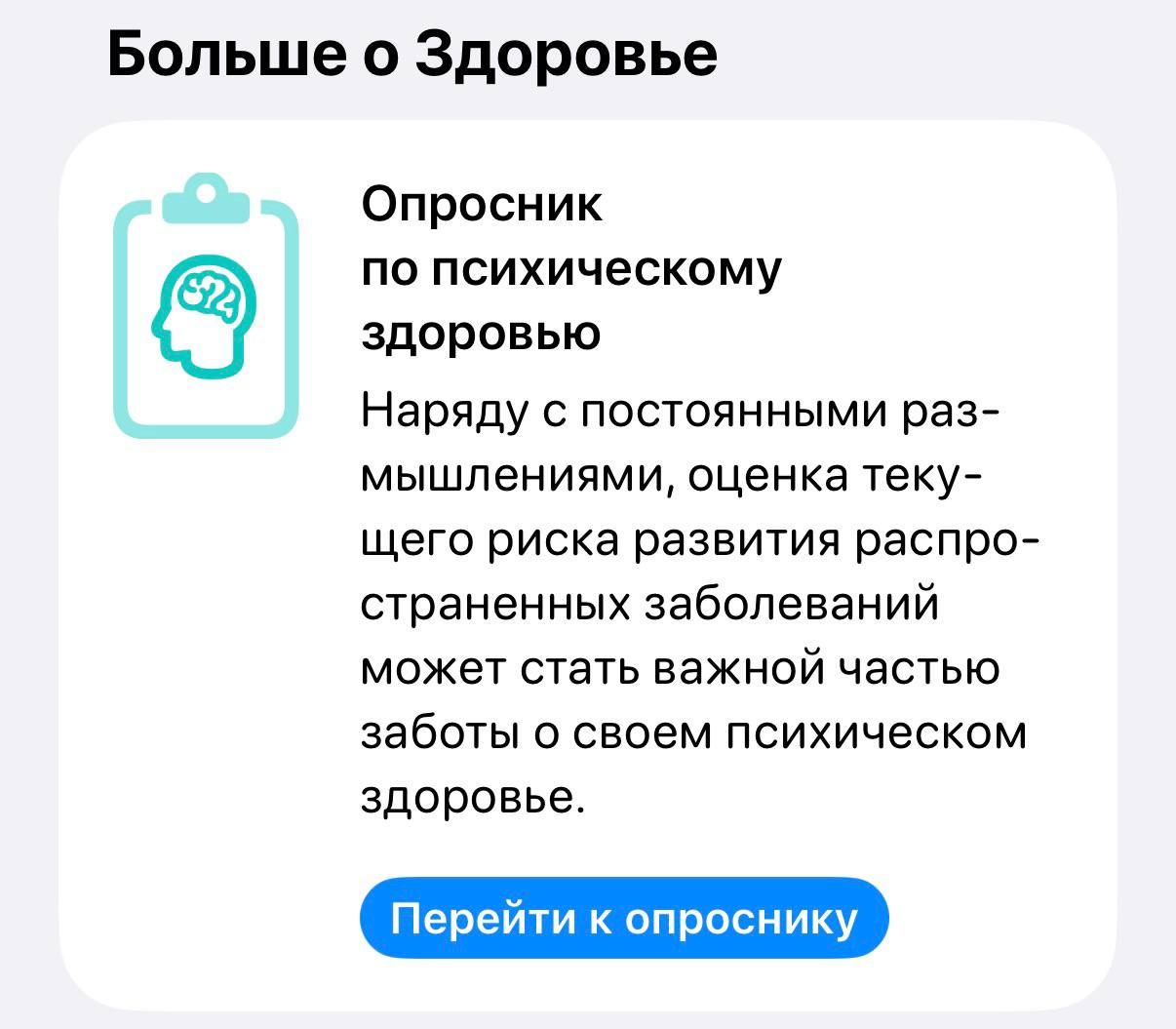
A specialized questionnaire is integrated into the standard Health app. Users do not need to install third-party apps to conduct initial screening.
To access the test, perform a few simple steps:
- Open the Health app on your device
- Use the search bar with the query "Mental Health"
- Tap the button to go to the questionnaire
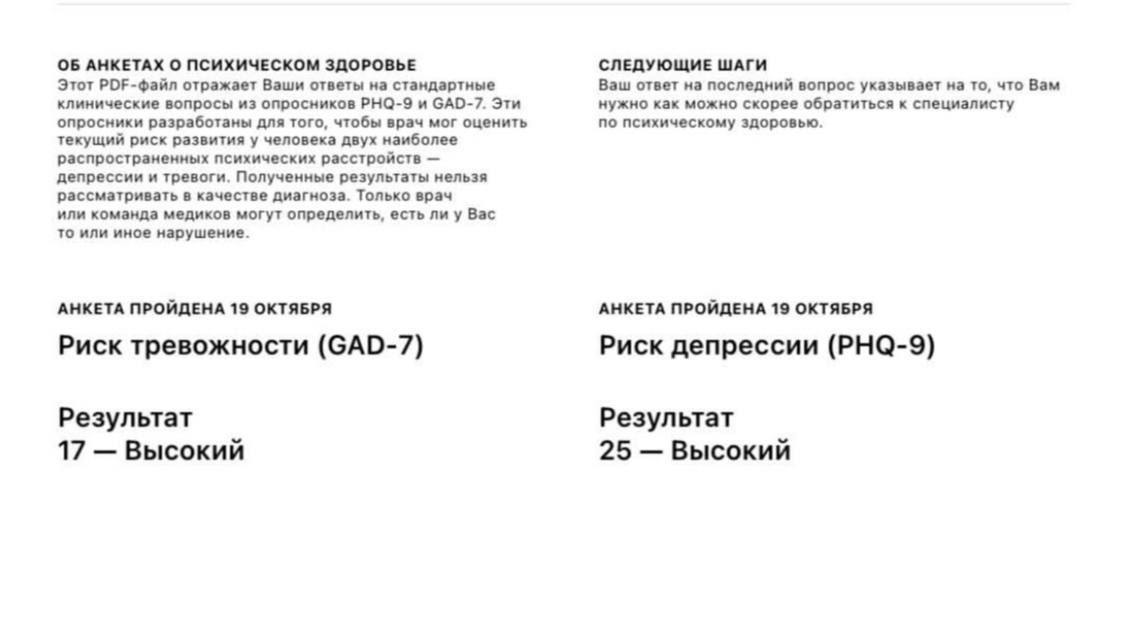
Results are analyzed according to international medical standards PHQ-9 and GAD-7. These scales are used by specialists to diagnose depression and generalized anxiety disorder.
The obtained data provide an objective assessment of your current emotional state. This helps to notice symptoms in time and make a decision to visit a doctor.
The tool is convenient for quick self-checking without booking an appointment. However, the test results are advisory and do not replace a specialist consultation.
26.8K views