 Not a Bug, but a Feature
Checking Sites for Paid Subscriptions
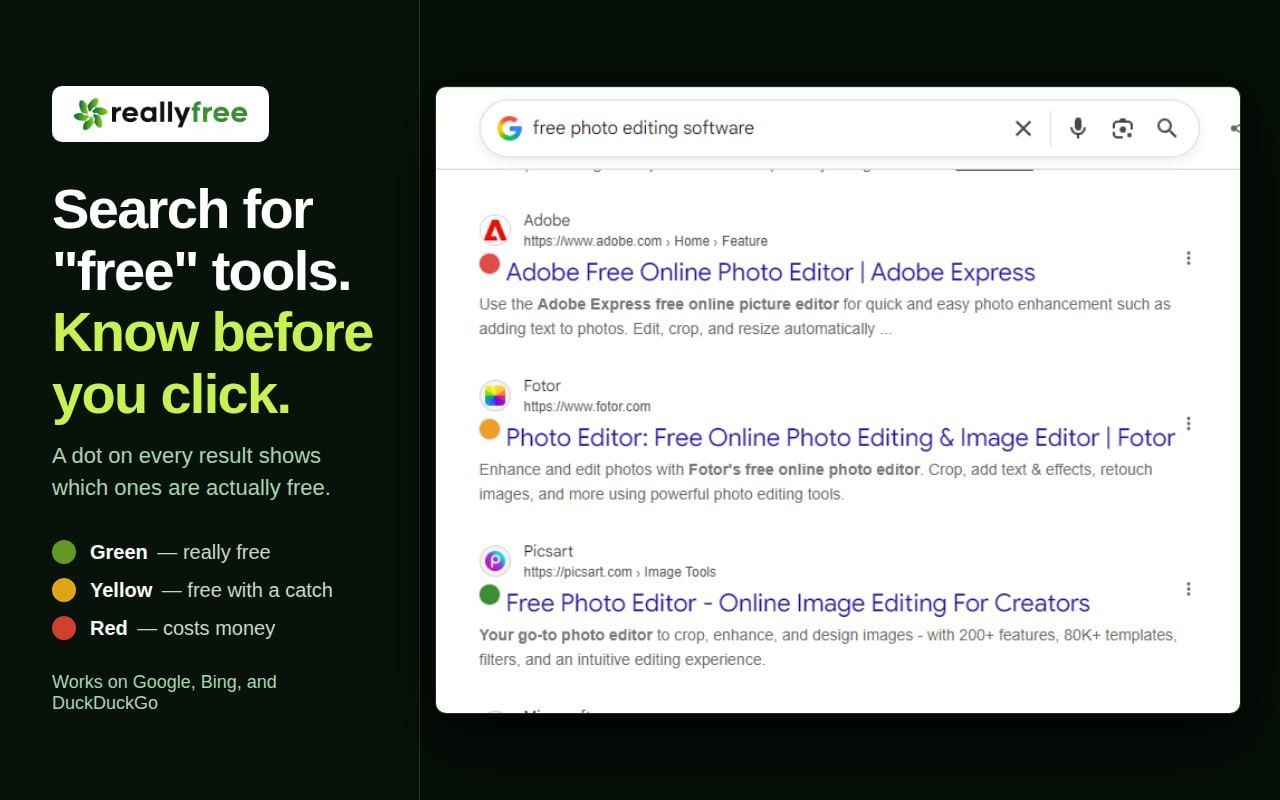
Users can check web resources for hidden paid subscriptions and restrictions in advance using a special browser extension.
After installing the tool, you will see color coding for each site: green means completely free without mandatory registration, yellow indicates a mixed model with limitations, and red warns that payment is required for basic features.
This approach helps save time and nerves by avoiding pointless registrations on resources whose access requires a paid subscription.
5.9K views