 Prompts for Neural Networks
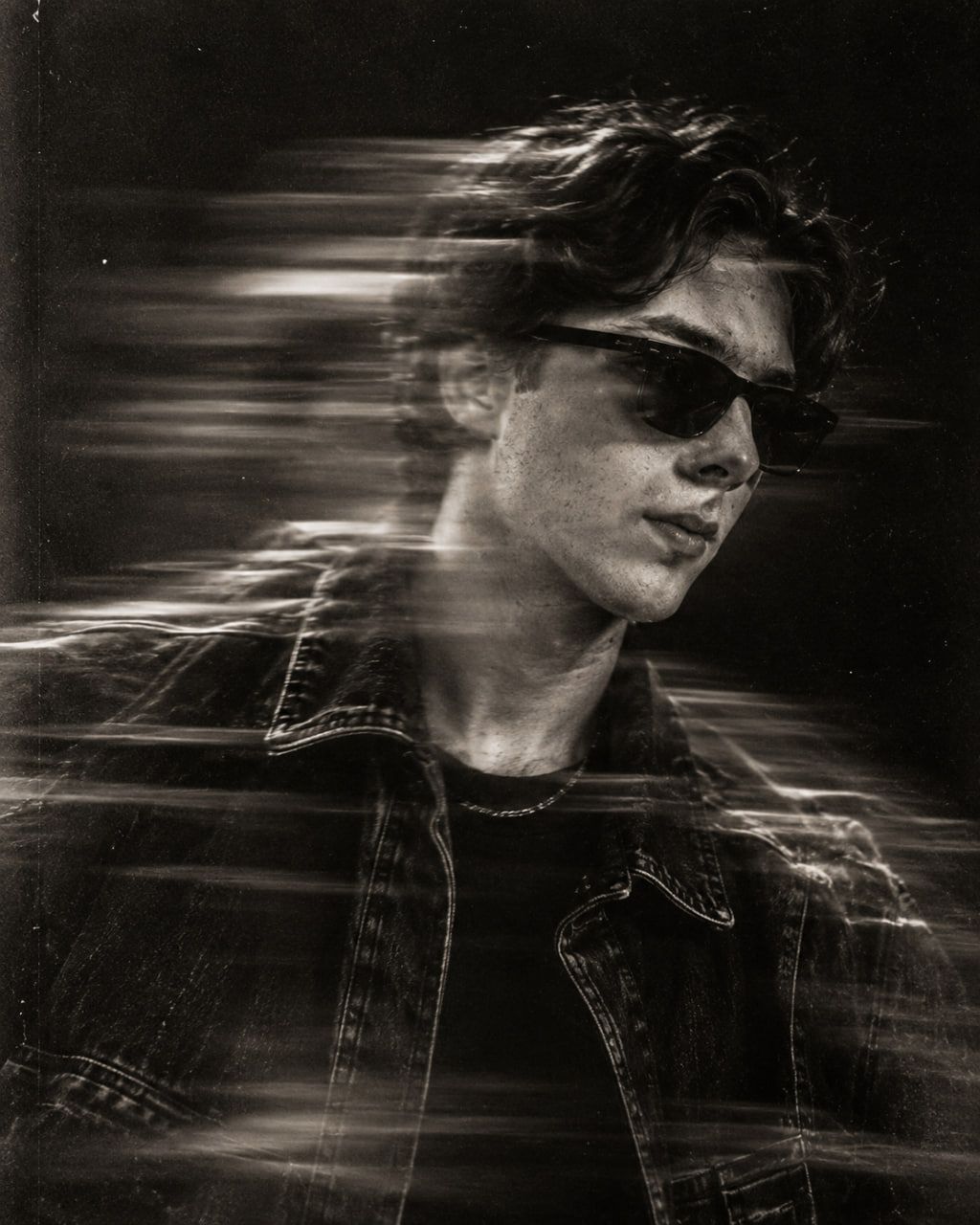
Cinematic Monochrome Portrait With Motion Blur Prompt
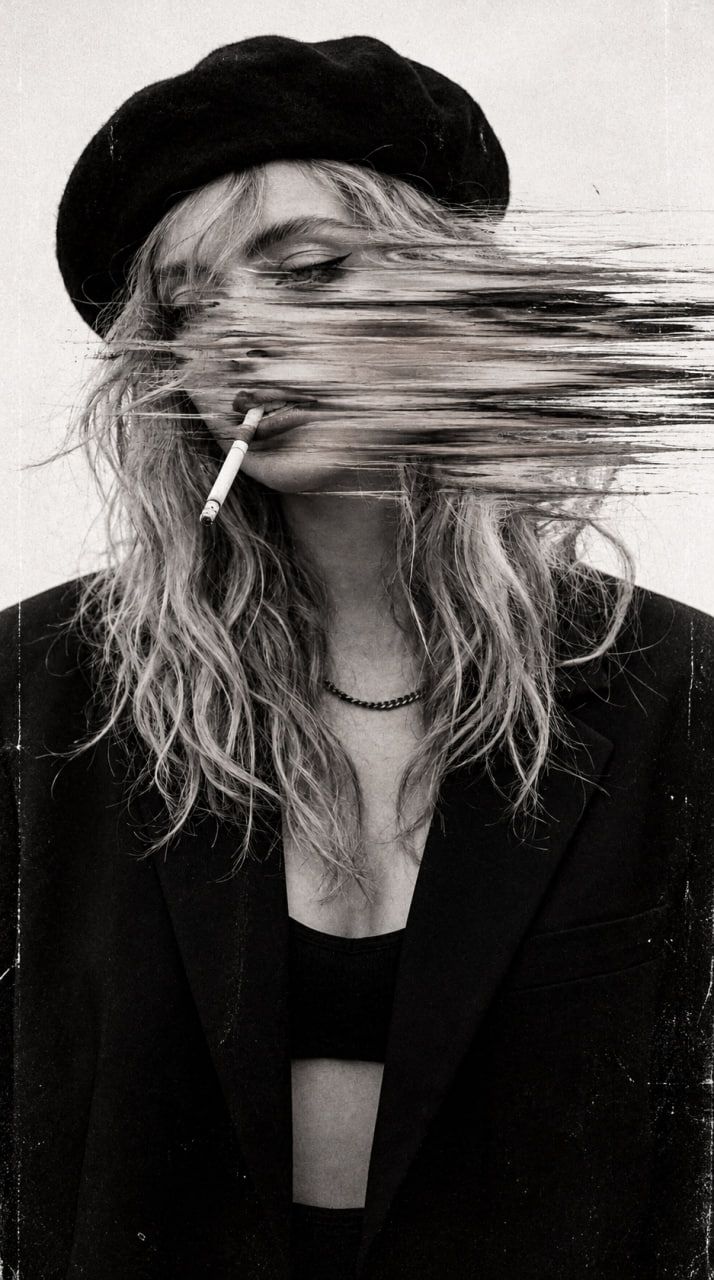
Creating a stylish monochrome portrait with motion blur requires precise prompt engineering to balance realism and artistic effect. This technique leverages long-exposure simulation within static image generation models.
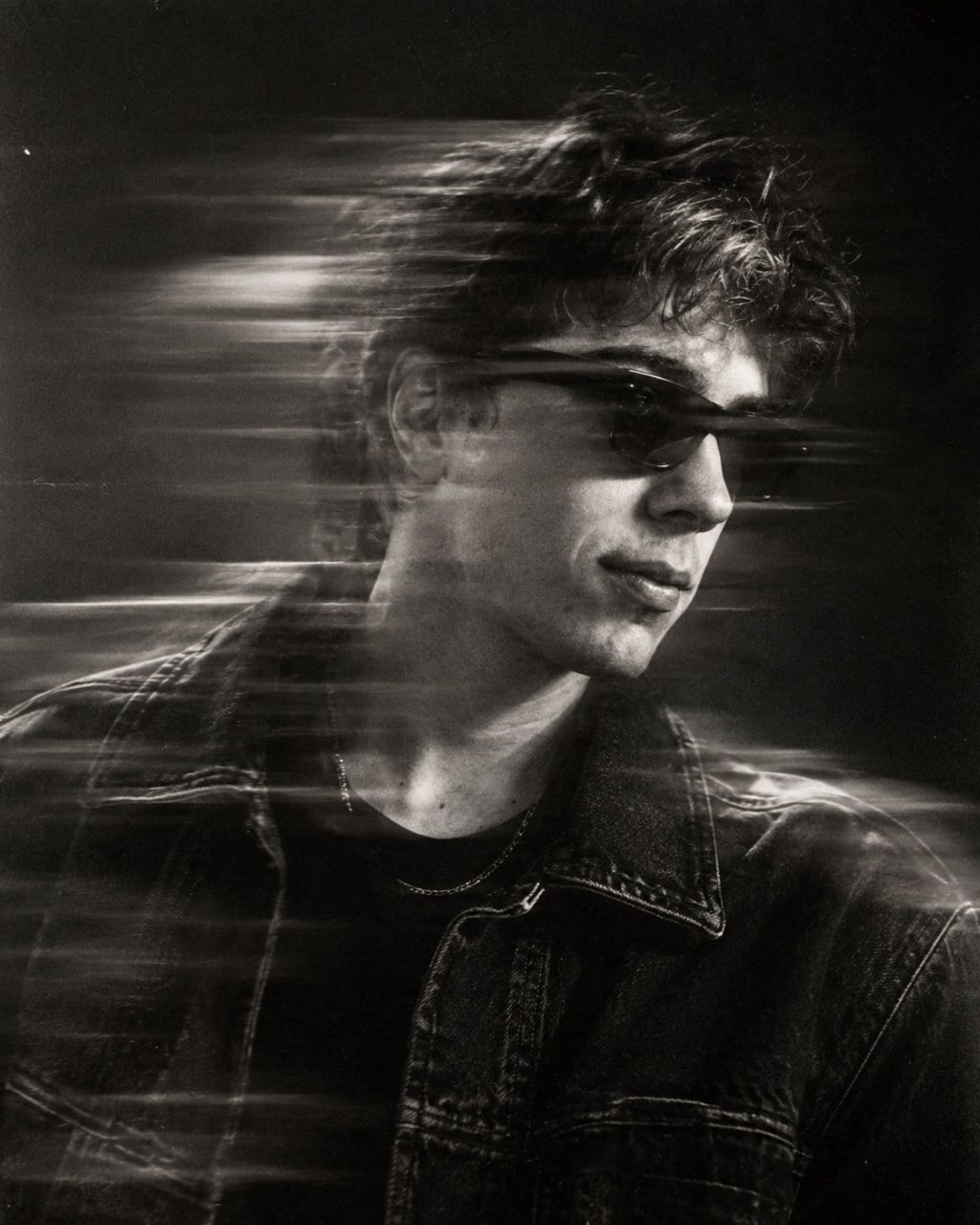
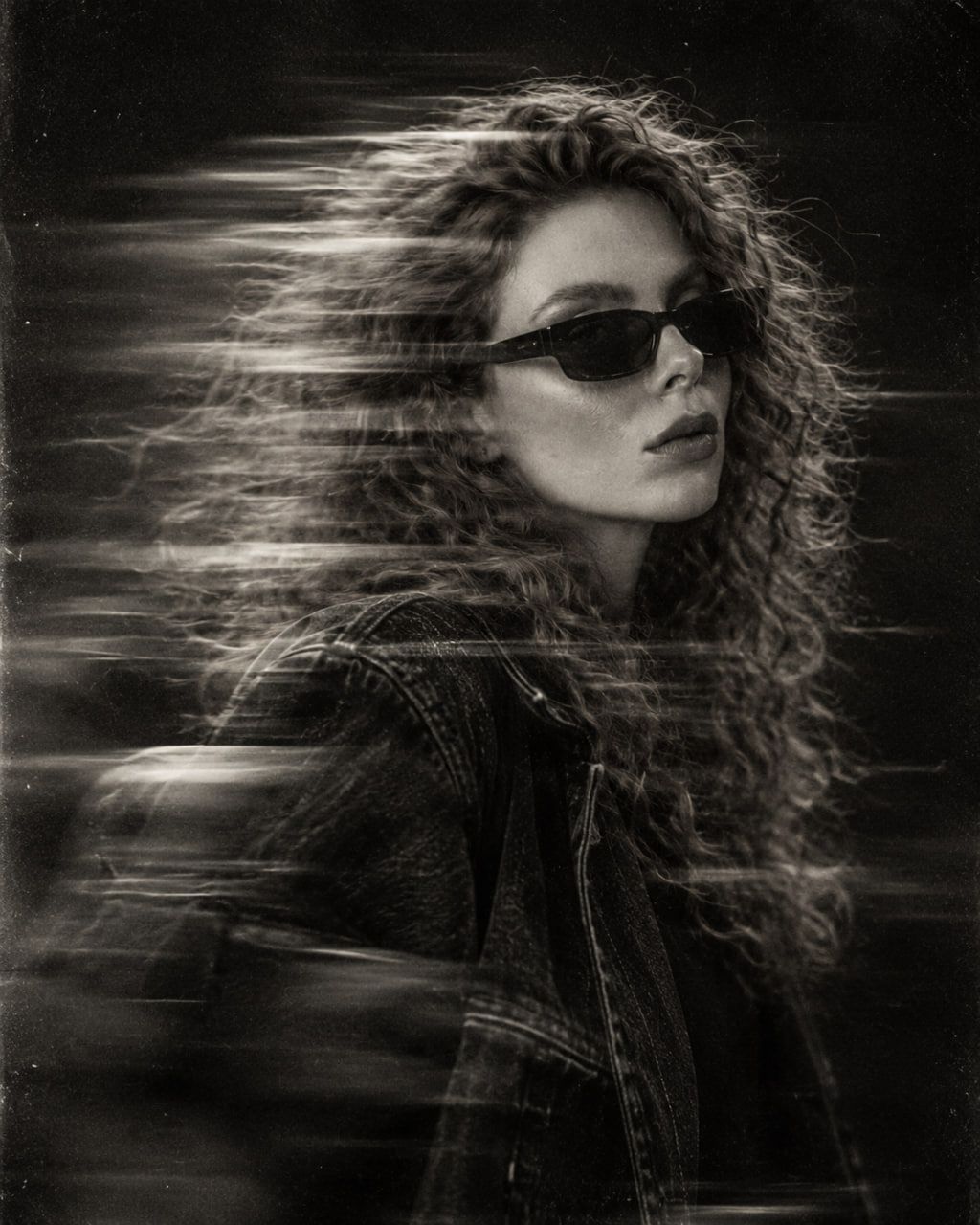
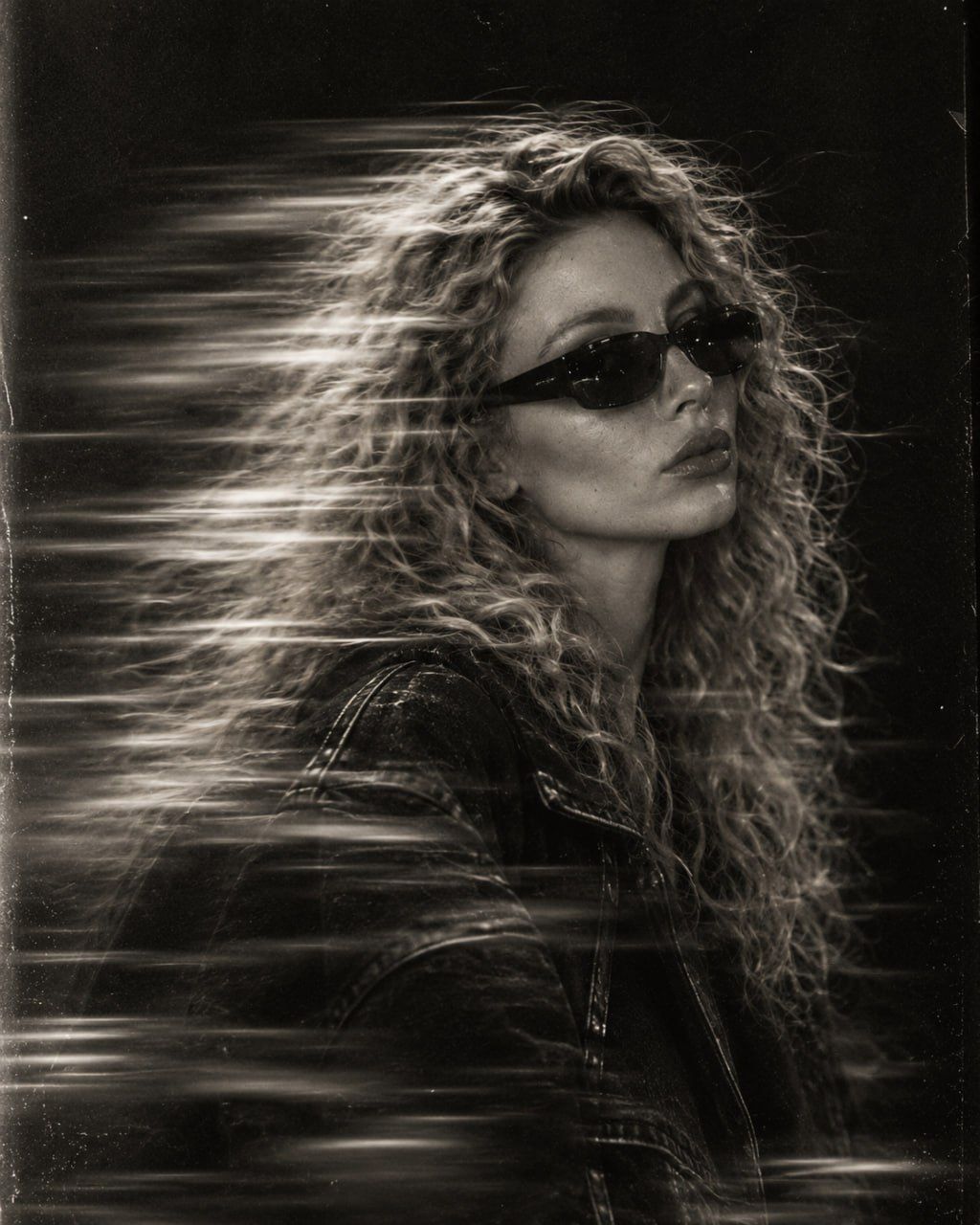
The core of this style relies on preserving facial identity while applying dynamic visual distortions. Key elements include three-quarter profile positioning, dark rectangular sunglasses, and an oversized vintage denim jacket.
To achieve the authentic look, specify strong horizontal long-exposure motion blur across the face and upper body. Include subtle ghost trails and rim lighting against a dark minimal studio background for depth.
- Preserve exact facial proportions, jawline, skin texture, and natural features from reference photos
- Apply high-contrast monochrome lighting with deep shadows and silver highlights
- Add authentic 35mm film grain and gritty 90s/2000s underground fashion editorial style
- Ensure photorealistic rendering with no CGI artifacts, glitches, or extra people
Technical constraints are crucial for maintaining quality. The prompt must explicitly forbid distortion, text, logos, and unnatural digital artifacts. Using a 4:5 vertical aspect ratio ensures optimal composition for social media and editorial layouts.
2.6K views