 Prompts for Neural Networks
Computer Vision Effect Prompt Guide
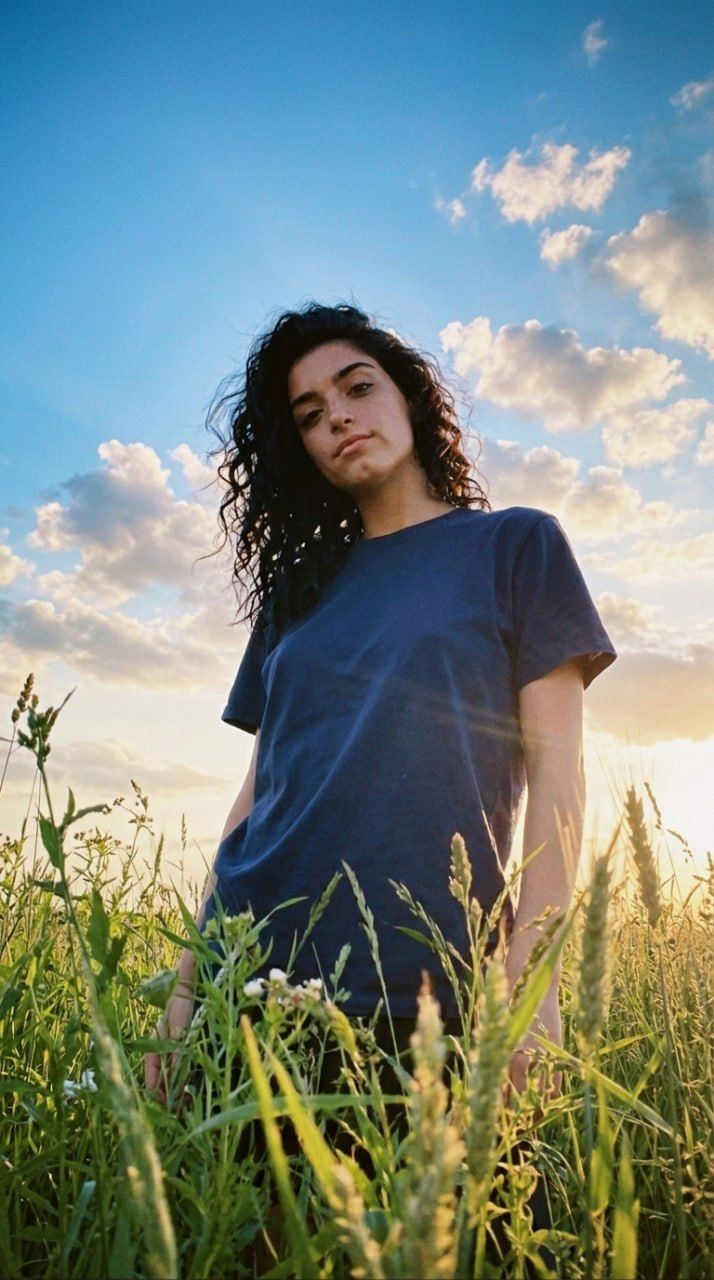
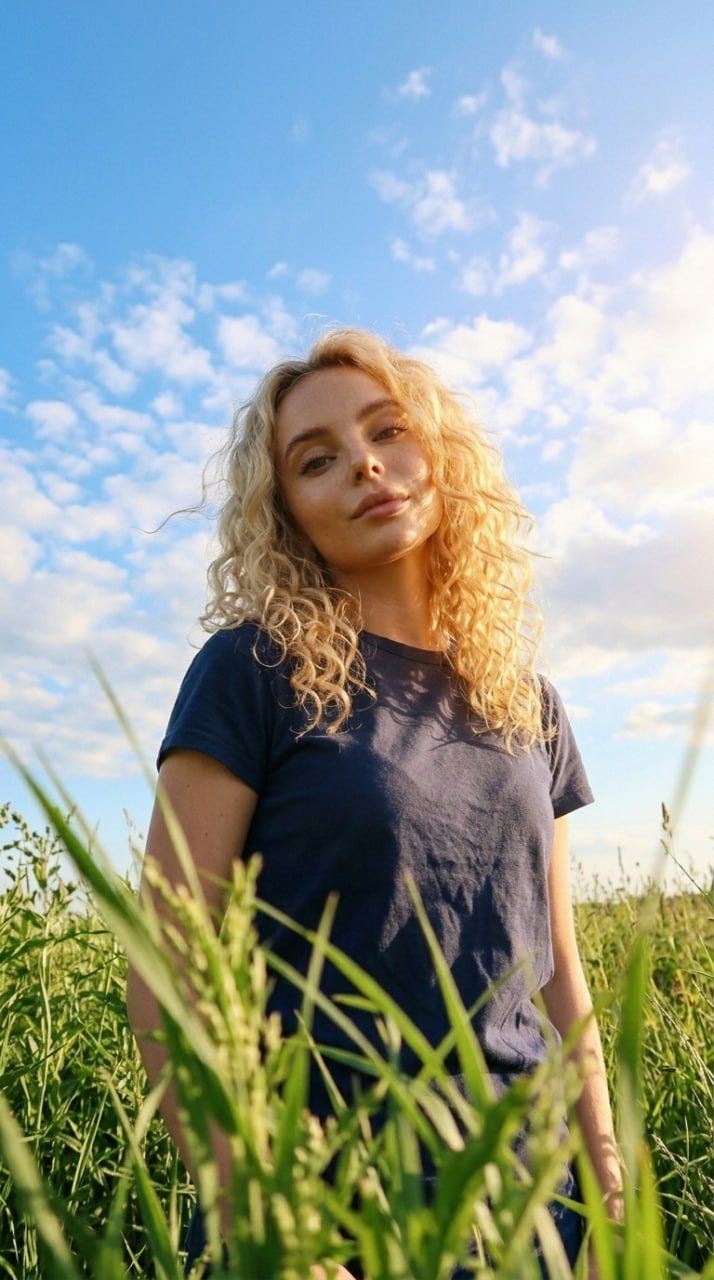
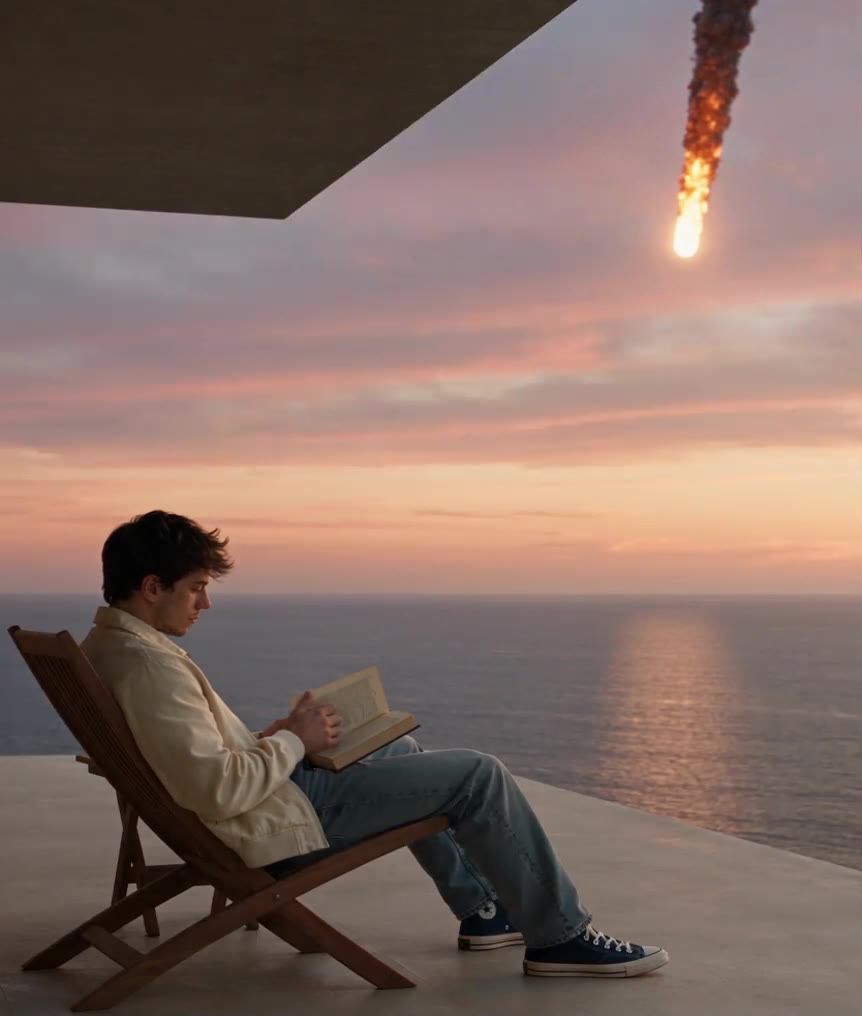
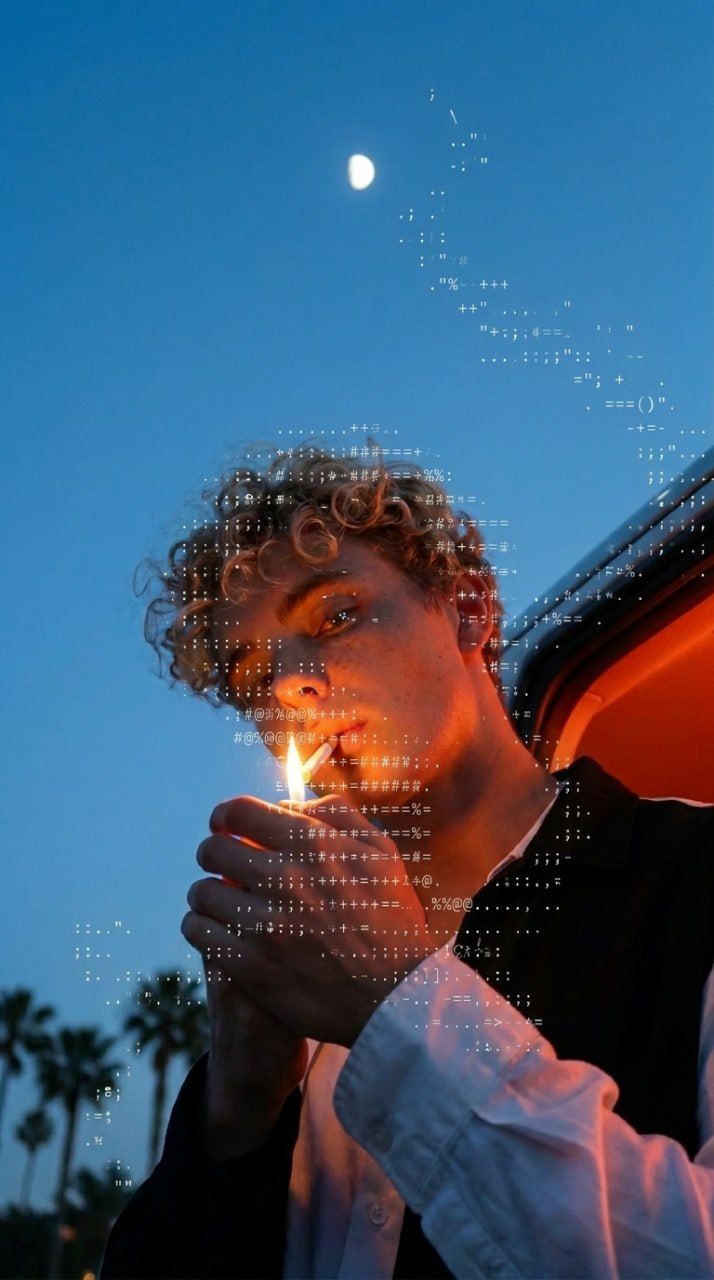
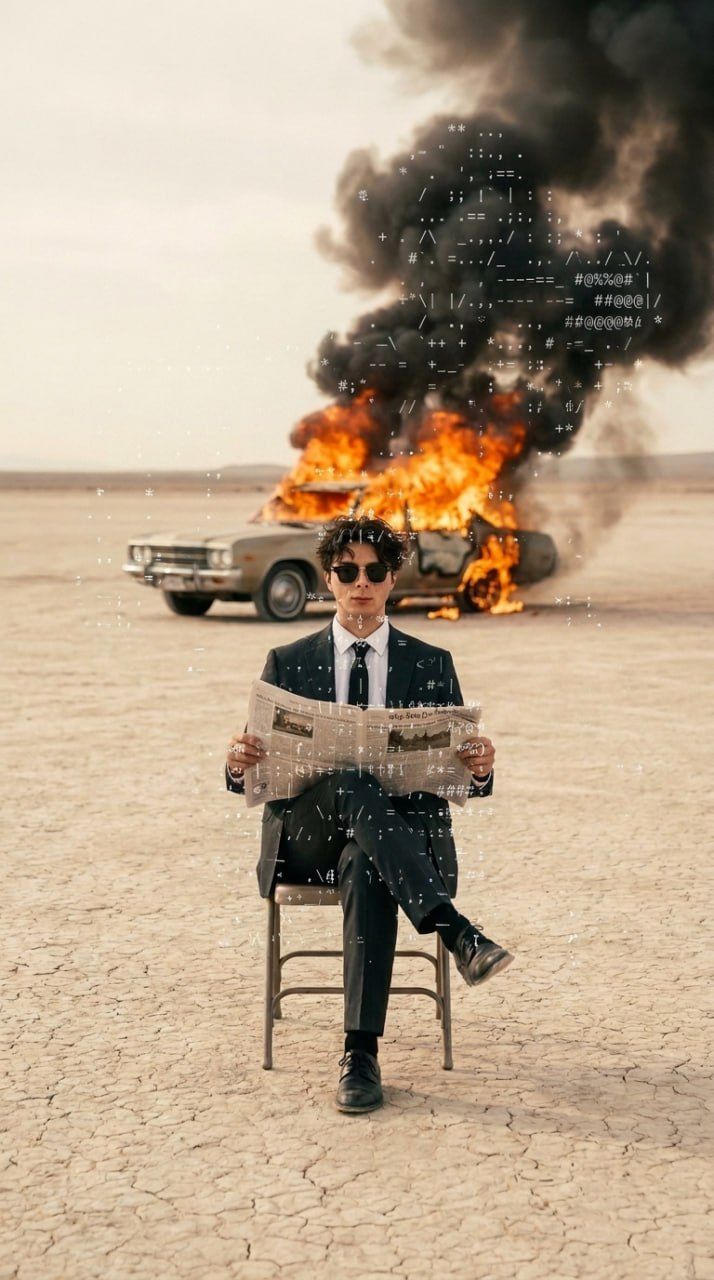
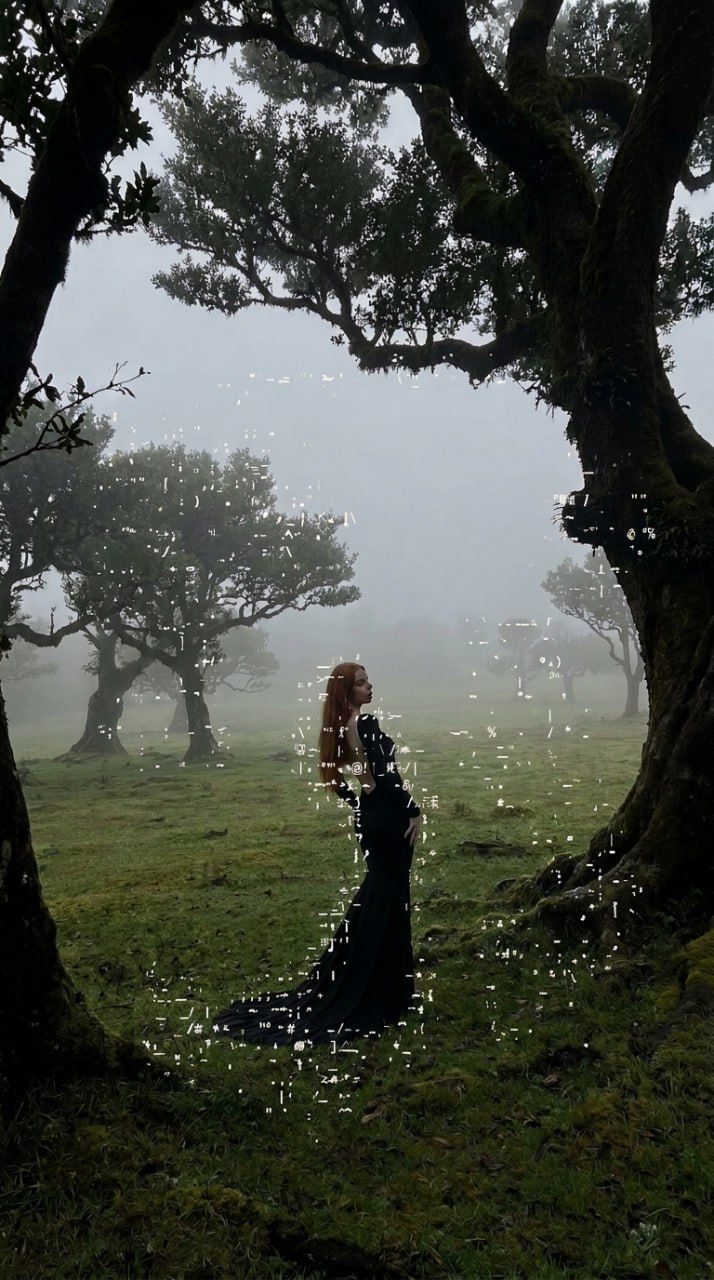
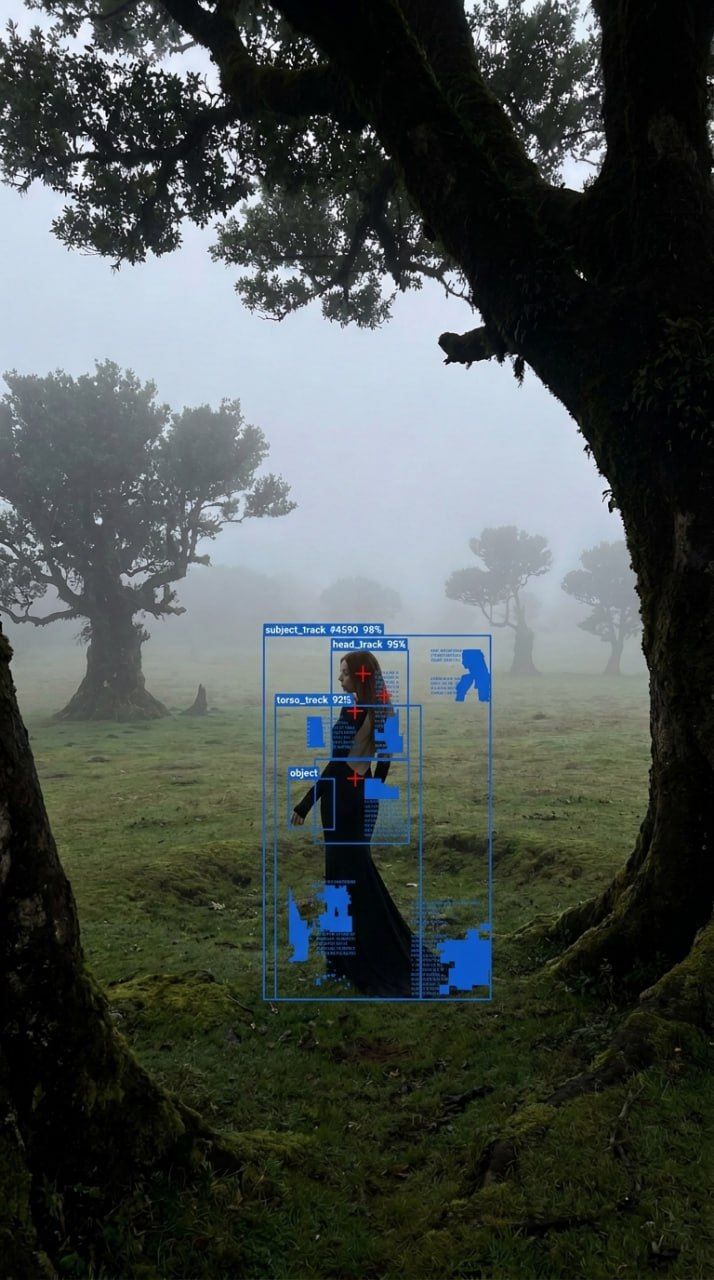
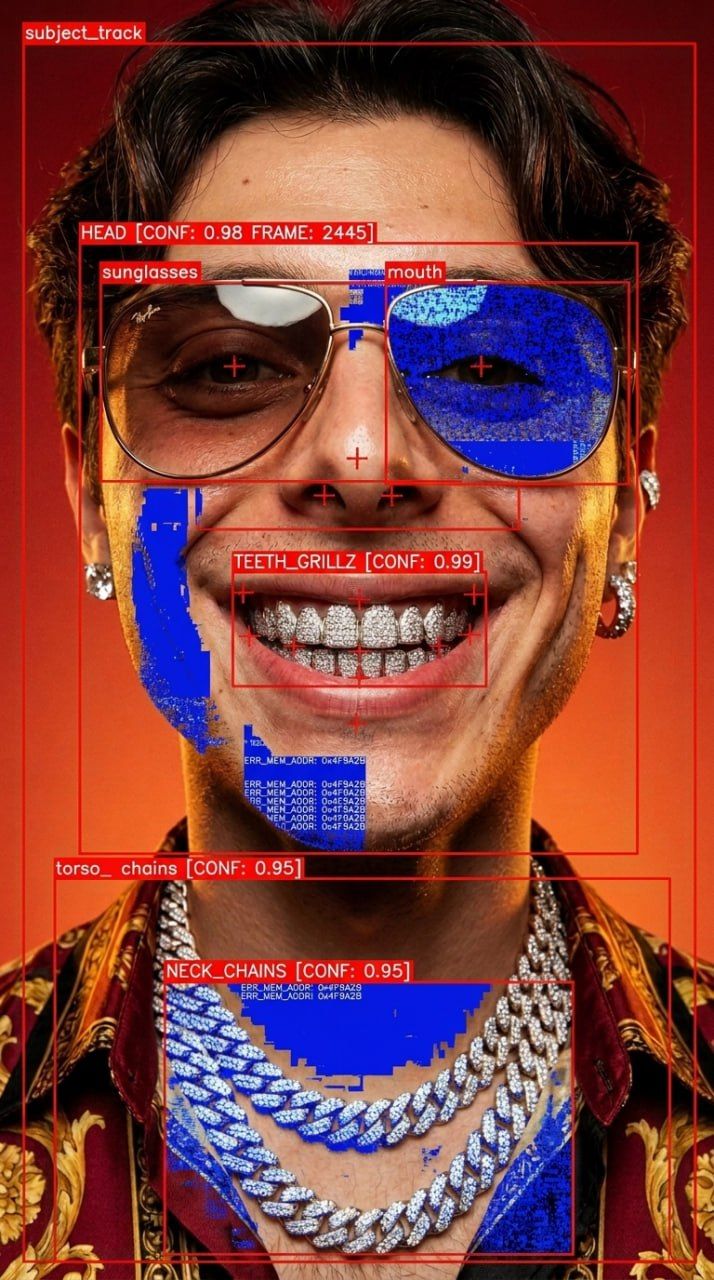
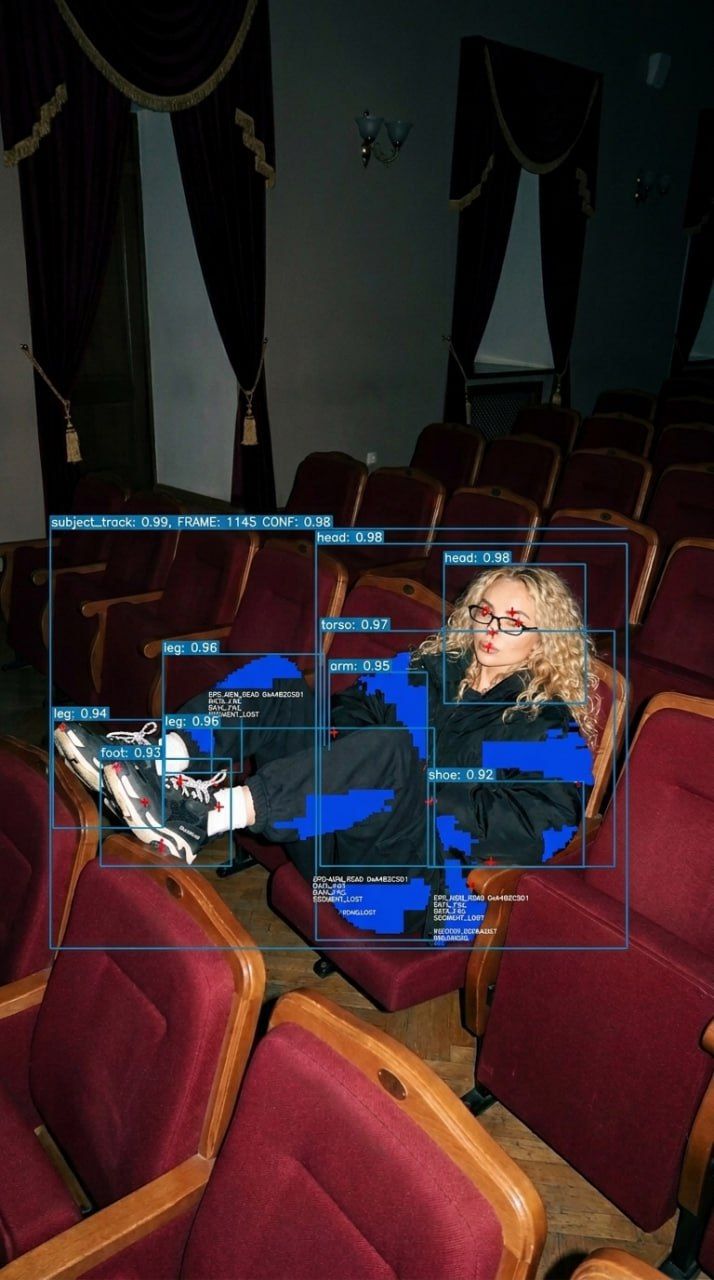
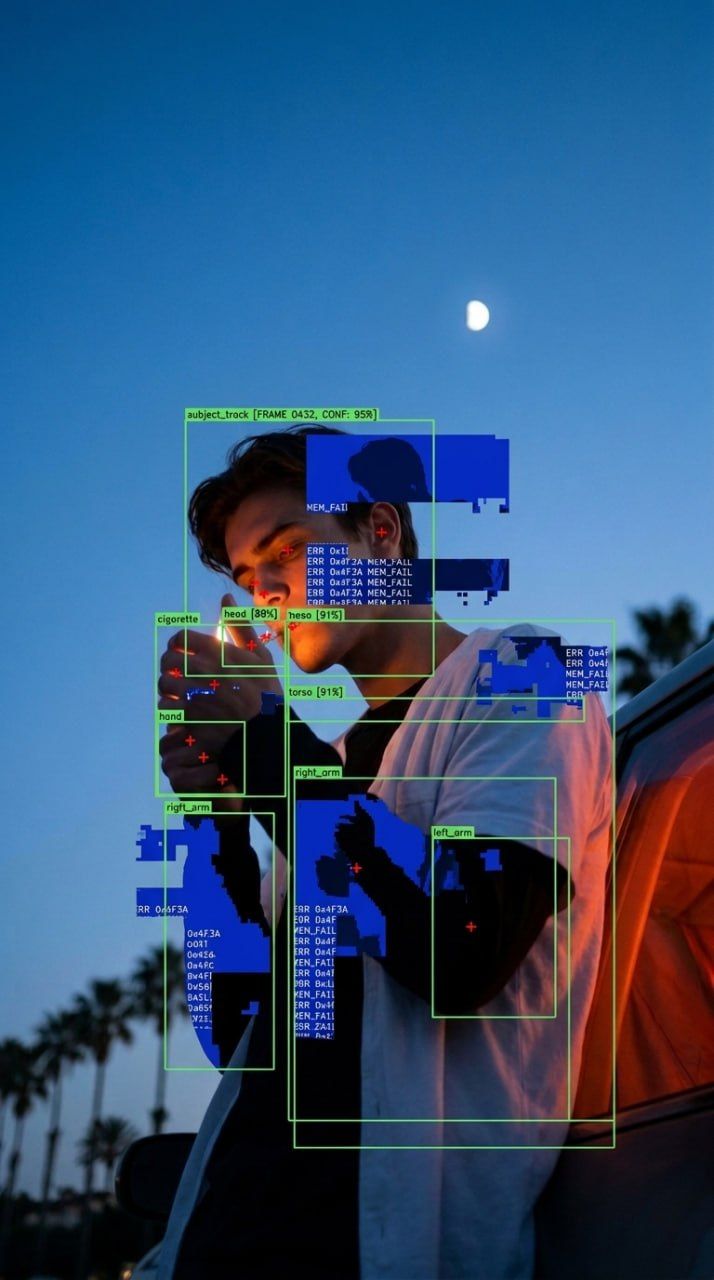
This prompt transforms standard photographs into images resembling computer vision analysis. It applies AI-style detection overlays and memory corruption effects while preserving the original image's core elements.
Preserve Original Image Properties
The process begins by using the attached image as the exact base. You must preserve its original colors, subject, pose, composition, camera angle, lighting, and environment. This ensures the underlying photo remains recognizable despite the added digital effects.
Apply Detection Boxes and Labels
Overlay thin detection boxes around the main subject and its recognizable parts. Use nested and slightly overlapping boxes where appropriate, precisely aligned to the shapes in the image. Add small technical labels such as "subject_track", "head", "torso", or object-specific names. Include a frame number and confidence value to enhance the machine-vision aesthetic.
Introduce Memory Corruption Effects
Within selected areas of the tracked subject, introduce memory corruption. Use irregular blocks that replace portions of the image as though visual data has failed to load. Mix sharp pixelated edges with fragmented silhouettes and tiny rows of white diagnostic code embedded in blue areas. Let some fragments interrupt the subject’s outline while keeping it clearly recognizable.
Key Implementation Details
- Concentrate corruption around tracked areas
- Allow detection boxes to be partially obscured by corrupted data
- Keep tracking geometry crisp and corruption deliberately irregular
- Avoid generic glitch streaks, cyberpunk glow, or holographic panels
- Output one finished image in the original aspect ratio